
Contact Sales Now
Thank you! Your submission has been received!
Oops! Something went wrong while submitting the form.

Contact Sales Now
Thank you! Your submission has been received!
Oops! Something went wrong while submitting the form.

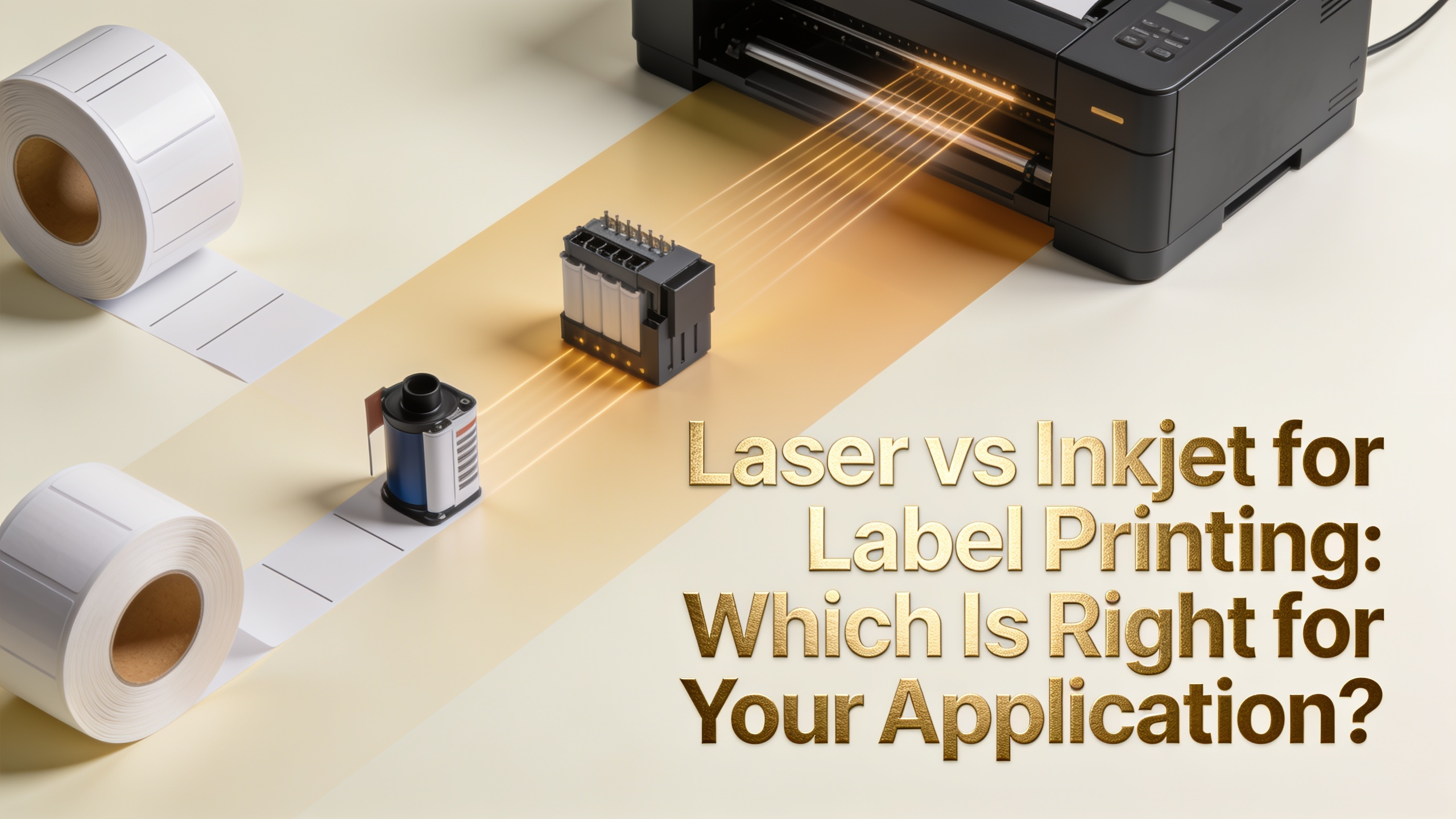
Choosing between laser and inkjet printing for labels affects everything from substrate flexibility to per-unit cost. Both technologies handle short-run label production well, but they diverge sharply on adhesive compatibility, color fidelity, and durability. This guide breaks down where each one wins and where it falls short.
A laser printer uses an electrostatically charged drum to attract powdered toner, which is then fused onto the label face stock using heat and pressure. The fuser unit typically operates between 350°F and 400°F, bonding pigment particles into a durable plastic-like layer.
What is a laser printer doing differently from inkjet? It transfers dry pigment, not liquid. That means no drying time, no bleed into porous fibers, and consistent dot placement across the sheet. The trade-off is heat exposure for every label that passes through.
An inkjet printer sprays microscopic droplets of liquid ink, either dye-based or pigment-based, directly onto the substrate. Piezoelectric or thermal print heads control droplet size down to a few picoliters, allowing fine gradients and photographic detail.
What is an inkjet printer best suited for? Variable color work, photographic content, and heat-sensitive materials. The ink absorbs or sits on the surface depending on the coating, which directly affects sharpness and dry time.
On uncoated paper labels, both technologies perform well, though laser produces sharper text at small point sizes. Toner sits cleanly on cellulose fibers without wicking, which matters for barcodes, compliance text, and serialized data under 6pt.
BOPP (biaxially oriented polypropylene) tells a different story. Laser-rated BOPP exists but is limited, since most BOPP films cannot survive fuser temperatures without curling or shrinking. Inkjet handles BOPP natively with the right topcoat, producing vibrant color on white or clear film.
Synthetic substrates like polyester and vinyl follow the same pattern. Pigment inkjet excels on these films, delivering saturated color and tight registration. Laser is restricted to heat-stable synthetics specifically engineered to pass through the fuser.
For photo-grade color, inkjet wins. For crisp monochrome text and barcodes on paper, laser holds the edge. This is the practical answer to what's the difference between inkjet and laser printers when substrate is the deciding factor.
Fuser heat is the single biggest constraint on laser label printing. Standard permanent acrylic adhesives can soften, ooze from die-cut edges, and contaminate the printer's paper path. This is called adhesive bleed, and it ruins both the labels and the equipment.
Removable adhesives and rubber-based formulations are especially vulnerable. Many freezer-grade and low-temperature adhesives are not laser-compatible at all. Always verify the adhesive spec sheet lists laser printer tolerance before running a job.
Inkjet printing operates at room temperature. Any pressure-sensitive adhesive works without thermal risk, including:
If your application requires specialty adhesives, inkjet removes the compatibility guesswork entirely. This is one of the cleanest answers to what is the difference between inkjet and laser printers in practical production.
Toner cartridges have a higher upfront cost but a lower cost per page for monochrome work. A typical color laser averages $0.04 to $0.08 per letter-size sheet at moderate coverage, making it efficient for high-volume text-heavy labels.
Inkjet consumables vary widely. Consumer cartridges run $0.10 to $0.20 per sheet, while pigment inkjet systems with high-capacity tanks drop below $0.03 per sheet at full color coverage. Coverage area matters more in inkjet because ink usage scales directly with image density.
Factor in waste rates too. Laser jobs ruined by adhesive bleed or substrate curl push effective cost higher. Inkjet jobs lost to head clogs or smearing on uncoated stock have the same effect.
For runs under 500 labels with heavy color, inkjet usually wins. For runs over 1,000 labels with mostly black text and barcodes, laser typically costs less per finished unit.
Fused toner is inherently water-resistant. The plastic-based pigment layer repels moisture, resists smudging from handling, and tolerates brief solvent exposure. For many indoor applications, laser labels need no overlaminate at all.
Dye-based inkjet smudges and runs when wet. It is unsuitable for any label that may encounter moisture, condensation, or refrigeration without lamination or a water-resistant topcoat on the substrate.
Pigment-based inkjet performs much closer to laser. Pigment particles bond to the coating layer and resist water, UV fading, and minor abrasion. Most professional inkjet label printers use pigment ink specifically for this reason.
For chemical drum labels, GHS compliance, or outdoor exposure, both technologies usually still require lamination or a durable synthetic face stock. Neither raw print method delivers BS5609 marine certification without additional layers.
Use this quick reference to match technology to application:
Mixed environments often run both. A laser handles internal logistics labels while an inkjet handles product-facing color work. This split keeps consumable costs optimized for each job type.
Desktop laser and inkjet hit limits fast. If you print more than 5,000 labels per week, the per-label economics shift toward thermal transfer or direct thermal printers, which use heat-activated ribbons or substrates instead of toner or ink.
Thermal transfer delivers superior abrasion resistance, longer print head life under heavy duty cycles, and lower ribbon costs for monochrome work. It is the standard for product identification, asset tagging, and barcode labels in industrial settings.
For runs above 10,000 units with consistent artwork, flexographic or digital commercial label printing on press becomes more economical. Press printing offers spot colors, metallics, foil stamping, and die-cut shapes that no desktop unit can match.
Signs you have outgrown desktop label printing include:
Can I use any label sheet in a laser printer?
No. Only labels specifically rated for laser use should be run through a laser printer. Non-rated adhesives can melt and damage the fuser, voiding the printer warranty.
Does inkjet ink fade faster than laser toner?
Yes for dye-based inkjet, no for pigment-based inkjet. Pigment inks match or exceed toner for UV stability and archival life when paired with quality coated substrates.
What's the difference between inkjet and laser printers for barcode labels?
Laser produces sharper edges on small barcodes due to dry toner placement, while inkjet can produce equally scannable barcodes when paired with coated stock and pigment ink. For high-density 2D codes, laser has a slight edge.
Can laser printers print on clear labels?
Yes, but only on clear polyester or BOPP labels specifically engineered for laser fuser temperatures. Standard clear film will curl, jam, or melt.
Is inkjet slower than laser for label printing?
Yes, generally. Laser prints 20 to 40 pages per minute, while desktop inkjet typically runs 8 to 20 pages per minute at label-quality settings. High-speed pigment inkjet systems close this gap considerably.
What is the difference between inkjet and laser printers in maintenance costs?
Laser printers need fewer interventions but have expensive component replacements like fusers and drums. Inkjet print heads require regular cleaning cycles and can clog if left idle, but individual parts cost less.
Which is better for waterproof labels?
Laser toner and pigment inkjet both produce water-resistant output. For fully waterproof labels, pair either technology with a synthetic substrate and overlaminate.
Can I print GHS chemical labels on a desktop printer?
Yes, with the right combination. Use a color laser or pigment inkjet with BS5609-certified synthetic label stock to meet chemical labeling durability standards.