

Contact Sales Now
Thank you! Your submission has been received!
Oops! Something went wrong while submitting the form.

Contact Sales Now
Thank you! Your submission has been received!
Oops! Something went wrong while submitting the form.

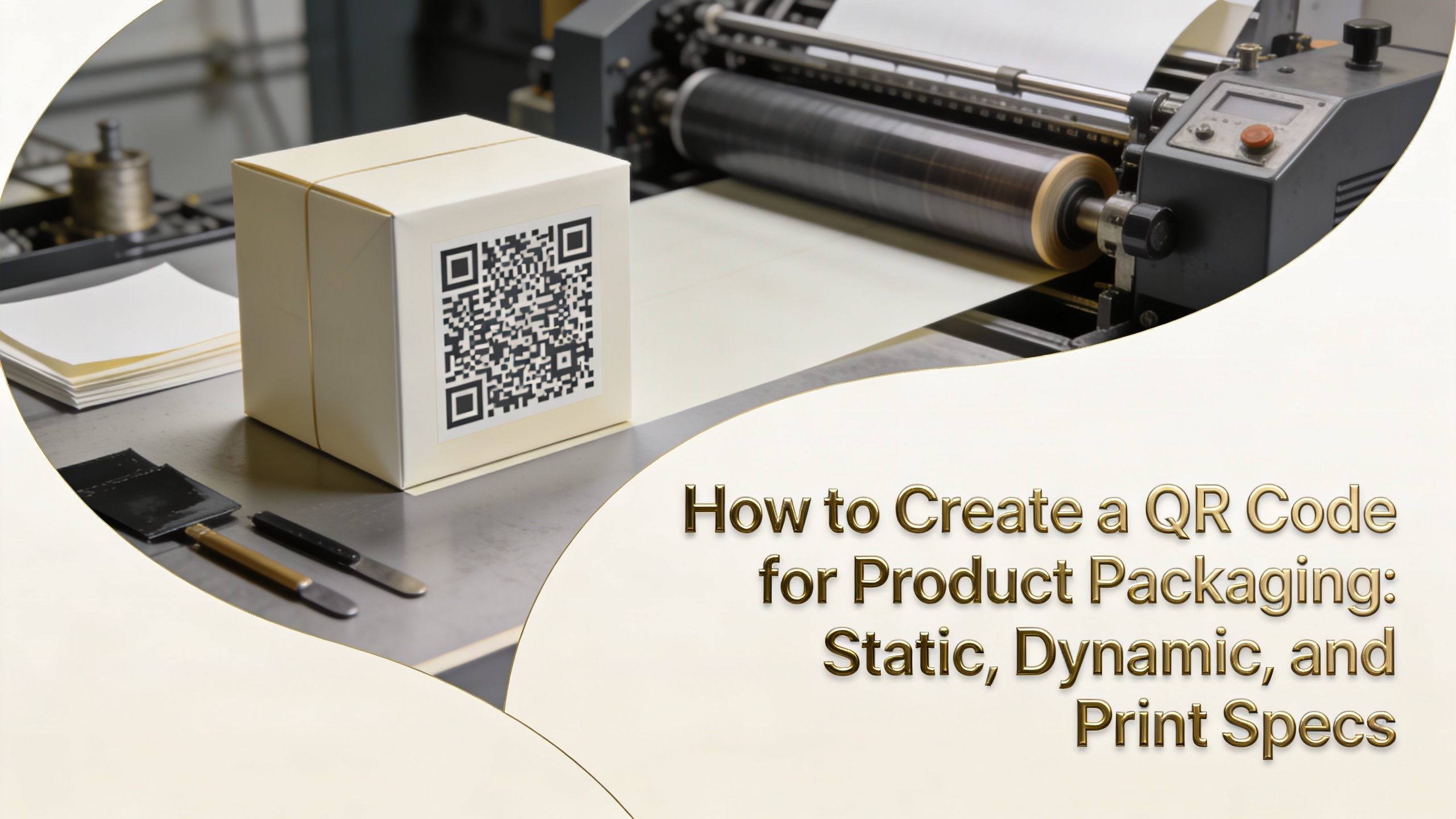
QR codes on packaging are no longer optional. They connect physical products to digital experiences, drive traceability, and support compliance workflows. But generating a code is only half the job. Print specs, placement, and code type determine whether scans succeed or fail at the shelf.
This guide covers static and dynamic codes, free and paid generators, print requirements, variable data printing, and the placement rules that keep scan rates above 95%. Whether you're a brand owner, packaging designer, or print buyer, these specs will save you costly reprints.
Static QR codes encode a fixed URL directly into the pattern. Once printed, the destination cannot change. They're free to generate, work offline, and never expire. Best for permanent links like ingredient lists, certifications, or product manuals that won't change.
Dynamic QR codes encode a short redirect URL managed by a hosting platform. You can edit the destination, track scans, capture geolocation data, and run A/B tests after printing. The tradeoff is a monthly subscription and dependency on the redirect service staying online.
For product packaging with long shelf life or marketing campaigns, dynamic codes win. For regulatory documents, certifications, or batch records that must remain unchanged, static codes are the safer choice.
If you're wondering how to create a QR code for product packaging, the workflow is straightforward. Pick a generator, input your destination, configure error correction, and export at print resolution. Here's the sequence we recommend for production-grade output.
For brand owners asking how do I get a QR code for my business, free tools like QR Code Monkey produce print-ready static codes in minutes. Paid platforms add scan analytics, bulk generation, password protection, and team access controls.
If you also need to know how to create a QR code for a business card, the same workflow applies. Encode a vCard payload instead of a URL. Most generators have a dedicated vCard input field that captures name, phone, email, and company in a single scan.
A QR code is a printed barcode. It follows the same rules as UPC or EAN symbols. Size, contrast, quiet zone, and substrate quality determine whether scanners can decode the pattern reliably under real-world lighting conditions.
The minimum printed size for a standard QR code is 10mm x 10mm (0.4 inches). For complex codes with longer URLs or higher error correction, scale up to 20mm x 20mm. Smaller codes fail at arm's-length scanning distances.
Quiet zone is the blank margin surrounding the code. The minimum is four modules wide on all sides. Skipping the quiet zone is one of the most common reasons codes fail scanning, even when the pattern itself prints cleanly.
Dot gain, ink bleed, and registration drift destroy the precise module boundaries QR scanners need. On flexo presses running uncoated stocks, modules can swell by 15-20%, merging adjacent black squares and corrupting the data pattern beyond recovery.
Inverted codes (light on dark) work in theory but fail with many scanner apps. Stick to dark modules on light backgrounds. Avoid placing codes over glossy varnishes, foil stamps, or curved surfaces tighter than 30mm radius without testing first.
Placement affects scan rate as much as print quality. Codes hidden under flaps, wrapped around bottle curves, or printed near seams create scanning friction that kills consumer engagement. Test placement on a physical mockup before final artwork sign-off.
Flat panels are ideal. The back panel near the ingredient list works for food and beverage. For cosmetics and pharma, the side panel or carton flap performs well. Avoid placing codes within 5mm of any fold, seam, or perforation line.
Variable data printing (VDP) generates a unique QR code on every label or carton in a print run. Digital presses like HP Indigo and inkjet systems handle VDP natively, swapping the code image on every impression without slowing the line.
Unique codes enable serialization, anti-counterfeit verification, and per-unit traceability. Each scan returns a different payload, letting brands track individual products from factory to consumer. This is foundational for pharma serialization, premium spirits, and luxury goods.
Setup requires a CSV or database file with one row per unique code. The press RIP merges the data file with the artwork template at print time. Asas Label supports variable data QR runs with full GS1 compliance and serialization workflows.
QR codes serve four primary functions on packaging. Each has different technical requirements for code type, payload structure, and print specs. Matching the use case to the right configuration prevents costly redesigns later.
Marketing codes typically use dynamic redirects for scan analytics. Compliance codes use static GS1 Digital Link format for regulator readability. Authentication and traceability require variable data with cryptographic signatures or serial numbers.
Most scan failures trace back to a handful of preventable errors. Reviewing artwork against this checklist catches 90% of problems before plates are made. Save it as part of your packaging QA process.
Always scan-test the final printed proof, not just the digital file. A code that scans perfectly on screen can fail on press due to dot gain, substrate texture, or finishing effects. Field-test under store lighting, not just office fluorescents.
Use a free generator like QR Code Monkey for static codes or a paid platform like Bitly or Beaconstac for dynamic codes with analytics. Input your URL, set error correction to H, and export as SVG or EPS for print-ready artwork.
Most QR generators have a vCard option that encodes contact details directly. Fill in your name, title, phone, email, and company. The resulting code lets recipients save your contact info in one scan without typing or downloading anything.
Minimum 10mm x 10mm for short URLs and standard scanning distances. Scale up to 20mm x 20mm for longer payloads or codes that need to scan from further away. Always maintain a four-module quiet zone around the code.
Only if you used a dynamic QR code. Static codes encode the destination directly into the pattern and cannot be changed. Dynamic codes route through a redirect service, so you can update the destination URL anytime without reprinting.
Static QR codes never expire. Dynamic codes depend on the hosting platform staying active and your subscription remaining current. Choose a reputable provider with long-term contracts if your packaging will stay in market for several years.
Use Level H (30% damage tolerance) for product packaging. It handles minor scratches, ink smudges, and partial obstruction without scan failure. Lower levels save space but increase the risk of failed scans in real-world conditions.
You exported it as a raster image (JPG or PNG) at low resolution. Always export QR codes as vector files (SVG, EPS, or PDF). Vectors scale to any size without losing sharpness, ensuring clean module edges at any print size.