

Contact Sales Now
Thank you! Your submission has been received!
Oops! Something went wrong while submitting the form.

Contact Sales Now
Thank you! Your submission has been received!
Oops! Something went wrong while submitting the form.

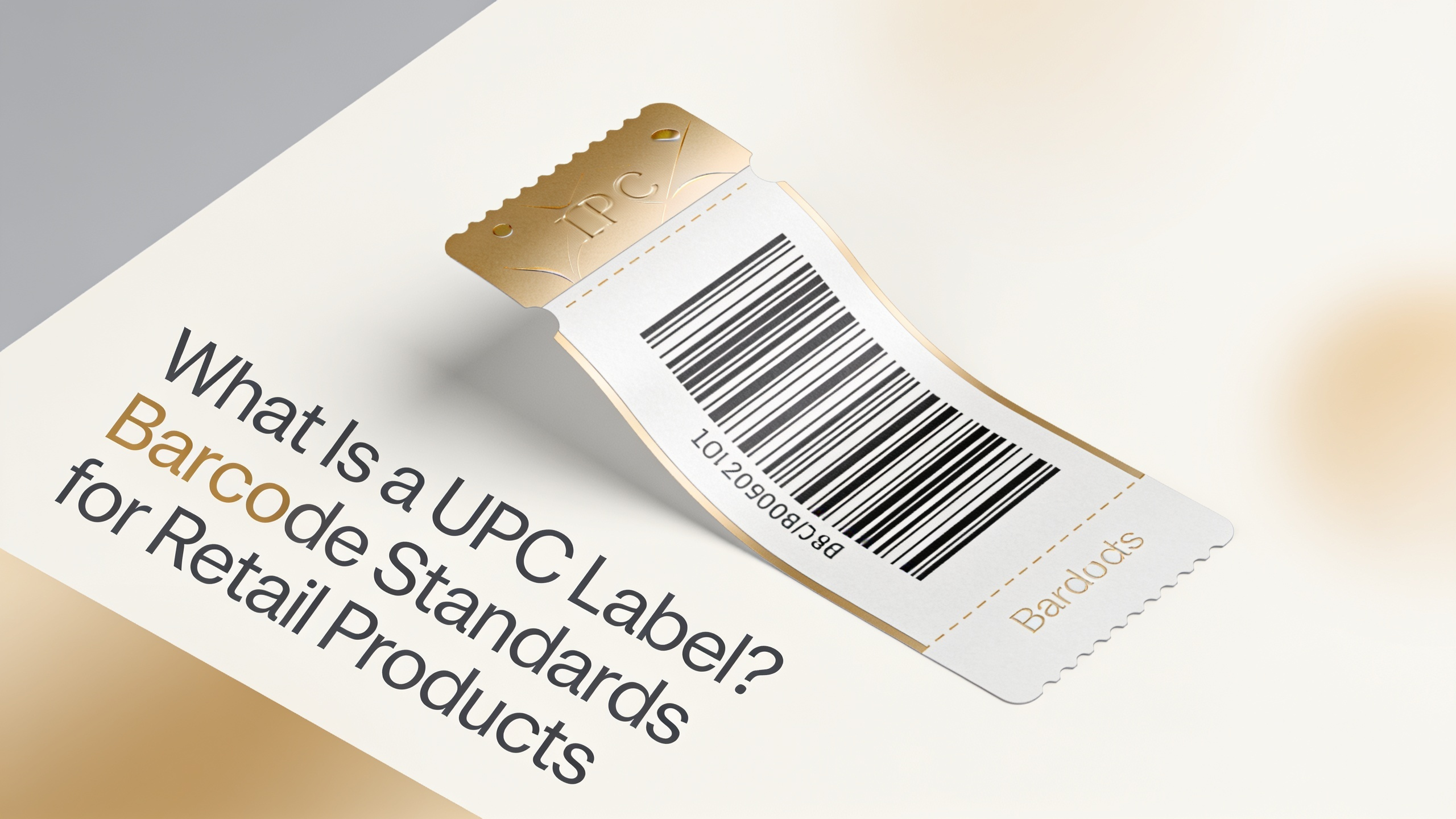
A UPC label is a machine-readable barcode carrying a 12-digit Universal Product Code that identifies a retail product at checkout. The standard format, UPC-A, encodes a manufacturer prefix, product reference, and check digit assigned through GS1.
So what is a UPC label in practical terms? It's the printed symbol retailers scan to pull price, description, and stock data from their POS system. Without it, most brick-and-mortar chains won't accept your product.
UPC codes are governed by GS1 US and remain the dominant barcode format across North American retail. Every scannable item on a Walmart, Target, or Kroger shelf carries one.
So what is UPC EAN, and why do both exist? UPC-A is the 12-digit North American standard, while EAN-13 is the 13-digit international equivalent. EAN adds a leading country/prefix digit, making it compatible with global GS1 databases.
What is EAN 13 specifically? It's the European Article Number system, now formally called International Article Number, used across Europe, Asia, and most non-US markets. Modern scanners read both formats without configuration changes.
What is EAN barcode selection based on? Your target retail market. Sell only in the US or Canada, UPC-A works. Distribute internationally, EAN-13 is the safer choice since it's universally accepted, including by US retailers.
At checkout, the scanner decodes the UPC and queries the retailer's product database. The system returns the SKU, price, tax category, and inventory count in milliseconds. This closes the sales loop and triggers automatic stock deduction.
Behind the scenes, UPC data feeds warehouse management, replenishment triggers, and sales analytics. Category managers rely on scan data to track velocity, margin, and shelf performance across thousands of SKUs.
Distribution centers use the same code for receiving, cycle counts, and pick-pack-ship workflows. A single UPC follows the product from manufacturer to consumer, creating end-to-end traceability across the supply chain.
Retailer-specific requirements often layer additional data on top of the UPC, including case codes (ITF-14), GTIN-14 for outer packaging, and serialized shipping container codes (SSCC) for pallets.
Retail chains reject non-compliant barcodes at receiving. Print quality is graded on the ISO/IEC 15416 scale, with grade C (1.5) as the typical minimum. Anything lower risks scan failures at POS.
Standard nominal size for UPC-A is 1.469 inches wide by 1.02 inches tall at 100% magnification. Retailers accept scaling between 80% and 200%, though smaller sizes reduce scan reliability on high-speed conveyors.
Avoid red, orange, or yellow bars — scanner lasers use red light and won't read same-spectrum colors. Metallic or transparent substrates require a white underprint to establish contrast.
Verify print quality with a certified barcode verifier, not a consumer scanner. Verifiers measure decodability, edge contrast, modulation, and defects against ISO standards and produce a grade report retailers may request.
Legitimate UPCs come from GS1, the global standards body. Membership assigns your company a unique GS1 Company Prefix, which forms the first digits of every UPC you issue.
Annual fees scale with the number of products and company revenue. A small business with under 10 SKUs pays an initial fee plus recurring renewals. Larger prefixes accommodate thousands of products under one license.
Resold or "cheap UPC" codes purchased outside GS1 may scan technically but fail brand registration checks at major retailers. Amazon, Walmart, and Kroger cross-reference the GS1 database and reject unregistered prefixes.
Adding a UPC to a live SKU requires artwork revision, verification, and often retailer re-submission. The barcode must sit on a flat panel with adequate quiet zone, away from seams, curves, or graphic clutter.
Placement follows GS1 General Specifications. Preferred location is the lower right quadrant of the back or bottom panel. Avoid curved surfaces where the radius distorts the bar widths beyond scanner tolerance.
For existing labels already in production, apply a UPC via overlabeling only as a short-term fix. The overlay must adhere flat, cover no critical regulatory text, and pass the same verification grade as a primary print.
Digital printing supports variable-data UPCs for short runs, private label programs, and limited editions. Flexographic and offset printing remain standard for high-volume SKUs where per-unit cost dominates.
Can I use the same UPC for different product variants?
No. Every variant — size, color, flavor, or pack count — requires a unique GTIN. Reusing a UPC across variants breaks inventory accuracy and violates GS1 rules.
Is a UPC the same as a SKU?
No. A UPC is a public, GS1-assigned identifier used across the industry. A SKU is your internal stock-keeping unit, defined by your own numbering scheme for warehouse and accounting use.
Do I need a UPC to sell on Amazon?
Yes, in most categories. Amazon requires a valid GTIN registered to your brand via GS1, and cross-checks the prefix against the GS1 database during listing creation.
What is EAN barcode acceptance in the United States?
Yes, US retailers accept EAN-13. Scanner hardware and POS software have read both UPC-A and EAN-13 since the mid-2000s under the "Sunrise 2005" initiative.
Can I generate a UPC myself without GS1?
No, not legitimately. You can encode any 12-digit number into a UPC symbol, but without a GS1-issued prefix, the code isn't unique, retailer-registered, or brand-verifiable.
How long does GS1 registration take?
Typically 1–3 business days after payment. Your Company Prefix is issued electronically, after which you can immediately assign GTINs and generate compliant barcodes.
Does UPC print color affect scanning?
Yes. Red-family bars are invisible to standard red-laser scanners. Stick to black, dark blue, or dark green bars on white, cream, or light-yellow backgrounds for reliable decoding.
What happens if my barcode fails verification at retail?
The retailer charges chargebacks, refuses receipt, or requires re-labeling at your cost. Repeated failures risk delisting. Pre-verify every artwork revision before mass production to avoid supply chain penalties.