

Contact Sales Now
Thank you! Your submission has been received!
Oops! Something went wrong while submitting the form.

Contact Sales Now
Thank you! Your submission has been received!
Oops! Something went wrong while submitting the form.

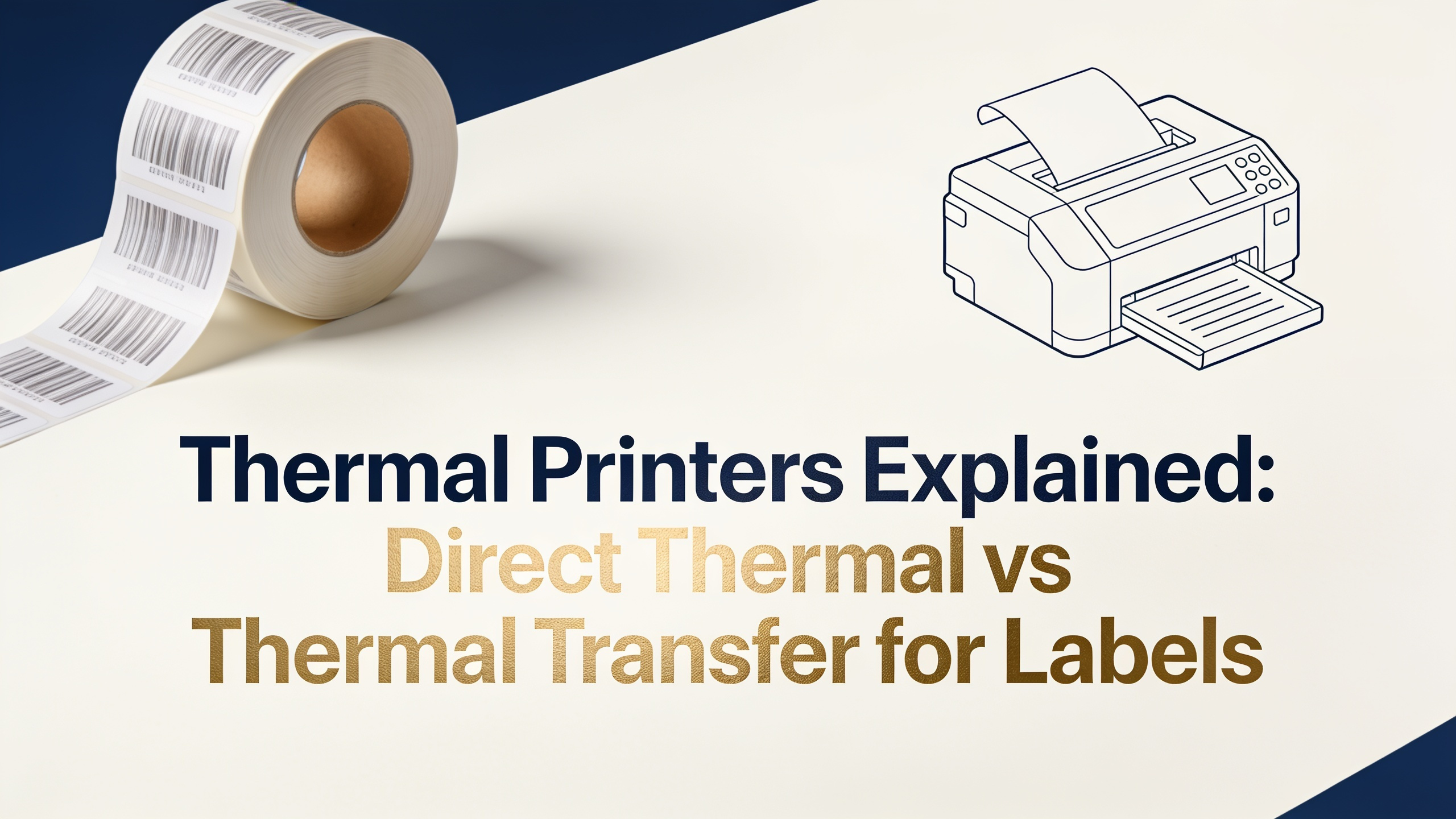
Thermal printers create images by applying heat to specialized media. A printhead with tiny heating elements activates either a heat-sensitive label or a coated ribbon, transferring the image onto the substrate. No ink cartridges, no toner, no spray.
This mechanism reduces moving parts and consumables, which cuts maintenance costs and downtime. Thermal label printers run faster than inkjet or laser units for barcode and shipping output, often hitting 6–14 inches per second on industrial models.
What are thermal printers built to do? They produce sharp, scannable barcodes, compliance labels, and high-volume identification media. The technology splits into two methods, direct thermal and thermal transfer, each suited to different label lifespans and environments.
So whats a thermal printer at its core? A heat-driven imaging device optimized for label, tag, and receipt production. The choice between the two thermal methods depends on durability needs, exposure conditions, and label longevity.
Direct thermal printing uses chemically treated, heat-sensitive label stock. The printhead darkens the coating to form text and barcodes. No ribbon is required, which simplifies the workflow and lowers per-label cost for short-life applications.
Direct thermal labels typically last 6 to 12 months under normal indoor conditions. Heat, sunlight, and abrasion accelerate fading. For applications where the label only needs to survive transit or a short shelf cycle, direct thermal is the efficient choice.
Common direct thermal applications include:
The trade-off is sensitivity. Labels exposed to heat sources, friction, or direct UV will darken or fade. If your label needs to outlast the product, direct thermal is the wrong specification.
Thermal transfer printing uses a ribbon coated with wax, wax-resin, or pure resin. The printhead melts the coating onto the label surface, producing a permanent, abrasion-resistant image. Ribbon chemistry determines durability and cost.
Ribbon types break down as follows:
Thermal transfer labels can last several years, even in harsh environments. This makes the method standard for asset tagging, chemical drum labels, automotive identification, electronics serialization, and outdoor signage.
The direct thermal vs thermal transfer decision often comes down to lifespan and exposure. If the label faces solvents, sunlight, heat, or long storage, thermal transfer with the correct ribbon-substrate pairing is the answer.
Material selection drives print quality and label performance. Direct thermal works only on heat-sensitive coated paper or coated synthetic film. Thermal transfer accepts a much wider range of substrates because the image comes from the ribbon.
Common substrate categories include:
Ribbon-to-substrate matching is critical. A wax ribbon will not bond properly to polyester, and a resin ribbon is overkill on paper. Mismatched pairings cause smudging, poor scannability, and wasted media.
Always confirm compatibility with the media supplier before committing to a production run. Asas Label provides matched media and ribbon sets to remove the guesswork from this step.
The shipping and logistics sector relies on thermal label printers for several measurable reasons. Speed, cost per label, barcode accuracy, and minimal downtime all favor thermal output over alternative print technologies.
Key advantages in logistics include:
Carriers like UPS, FedEx, DHL, and USPS standardize on 4x6 thermal labels for a reason. The format prints fast, scans reliably, and survives the transit cycle without smudging or fading.
For e-commerce operations, a direct thermal desktop printer pays for itself quickly. For pallet-level and compliance labeling, industrial thermal transfer units handle the volume and durability requirements.
Thermal printing is not universal. Several applications call for different technology. Recognizing these cases prevents wasted investment and rework.
Avoid thermal printing when:
Direct thermal specifically should not be used for outdoor signage, long-term archival labels, or items stored near heat sources. The coating will darken or fade and render barcodes unreadable.
Color label printers, laser printers, or digital presses handle the cases where thermal falls short. Match the technology to the label's lifecycle and environment, not the other way around.
Are thermal printers cheaper to operate than inkjet printers?
Yes. Thermal printers eliminate ink and toner costs. Direct thermal removes ribbon costs as well. Per-label expense is typically a fraction of inkjet or laser output, especially at volume.
Do thermal label printers require special labels?
Yes. Direct thermal needs heat-sensitive coated stock. Thermal transfer needs media compatible with the chosen ribbon chemistry. Standard copier paper will not work in either method.
How long do direct thermal labels last?
Typically 6 to 12 months under normal indoor conditions. Heat, sunlight, and abrasion shorten this window significantly. For longer lifespans, choose thermal transfer with a resin or wax-resin ribbon.
Can one printer do both direct thermal and thermal transfer?
Yes. Many industrial and desktop models support both modes. You load a ribbon for thermal transfer or remove it for direct thermal operation, depending on the media in use.
What resolution do thermal label printers offer?
Standard models print at 203 dpi. Higher-end units offer 300 dpi or 600 dpi for fine text, small barcodes, and detailed graphics. Match resolution to the smallest element on your label design.
Is direct thermal vs thermal transfer a cost decision or a durability decision?
Both. Direct thermal costs less per label but lasts a shorter time. Thermal transfer costs more per label but produces durable, long-lasting output. The right choice depends on the label's required lifespan and exposure.
Do thermal printers work with barcode software?
Yes. Most thermal label printers support ZPL, EPL, or similar command languages and integrate with BarTender, NiceLabel, ShipStation, and major ERP and WMS platforms.