

Contact Sales Now
Thank you! Your submission has been received!
Oops! Something went wrong while submitting the form.

Contact Sales Now
Thank you! Your submission has been received!
Oops! Something went wrong while submitting the form.

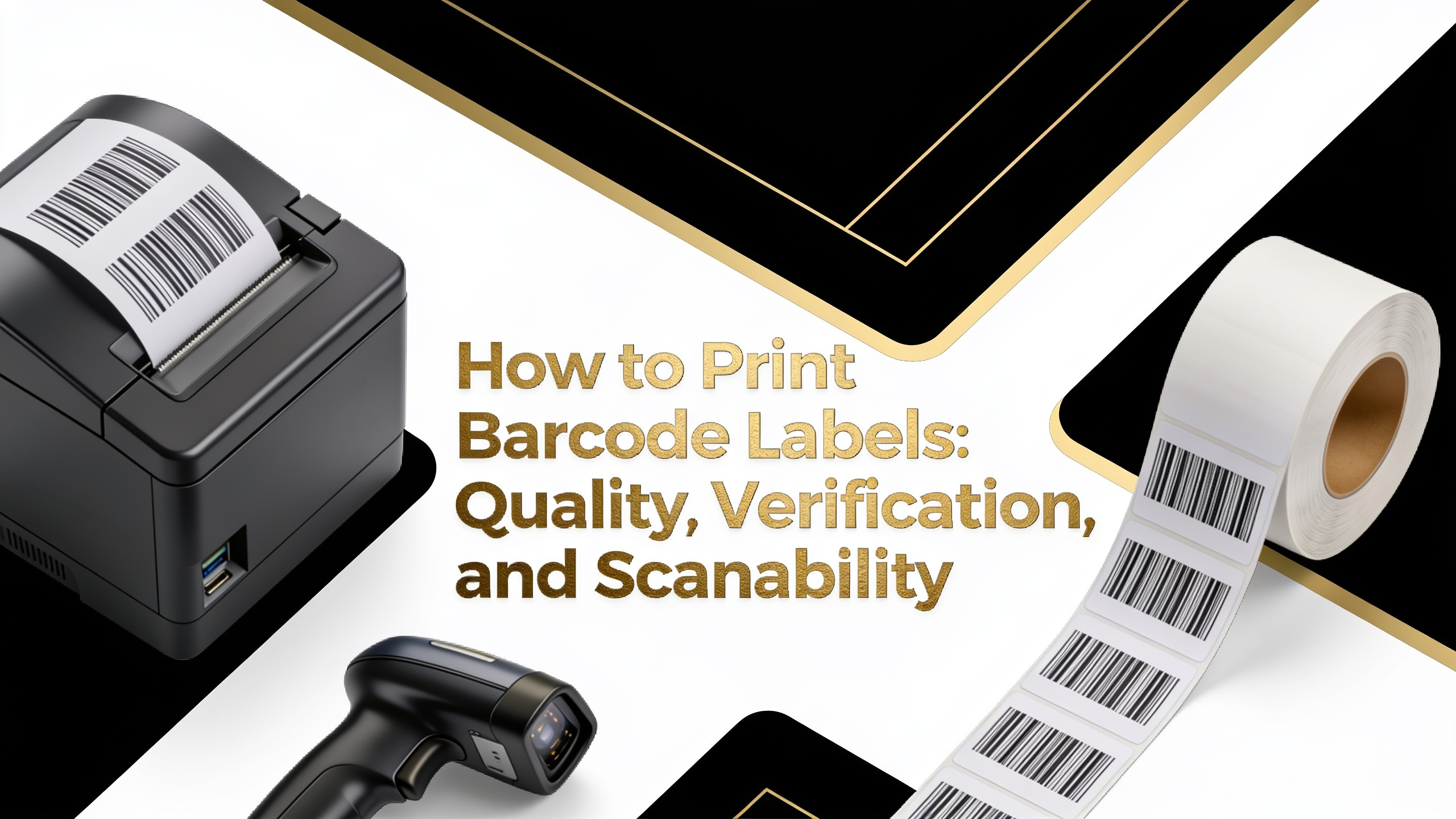
Barcode labels fail in the field for predictable reasons—print method mismatch, substrate incompatibility, or skipped verification. This guide walks through the technical decisions that separate scannable labels from returns. Whether you're producing GS1-compliant retail codes or internal warehouse SKUs, the print process determines readability far more than software settings.
Not all print technologies produce equal barcode quality. When learning how to make barcode labels that scan consistently, the print engine is your first decision. Each method has a defined edge acuity, ink density, and durability profile that directly affects verifier grades.
Here's the reliability ranking for barcode label printing, from most to least dependable:
For retail, logistics, and healthcare applications, thermal transfer remains the benchmark. Choose your method based on scan environment, label lifespan, and the symbology you're encoding.
Thermal transfer uses a heated printhead to melt resin or wax ribbon onto the label substrate. The result is a crisp, high-contrast image with edge definition that consistently earns Grade A ratings on ANSI/ISO verifiers. This precision is why it dominates barcode label printing.
The technology handles a wide range of media—polypropylene, polyester, vinyl, and coated paper—without sacrificing print quality. Ribbon chemistry can be matched to the application, from wax for cardboard cartons to full resin for chemical drums and outdoor asset tags.
Durability is the second reason it's the standard. Thermal transfer prints resist smudging, solvents, and UV degradation far better than direct thermal or inkjet. For products moving through supply chains with multiple scan points, that resilience translates directly to fewer read failures.
Print speed also scales well. Industrial thermal transfer engines run at 12+ inches per second while holding 600 dpi resolution—critical for small-footprint 2D codes on electronic components or pharmaceutical unit doses.
A barcode verifier is not a scanner. Scanners tell you if a code reads; verifiers tell you how well it reads against ISO/IEC 15416 (1D) or 15415 (2D) standards. Grades run from A (4.0) down to F (0.0), with most trading partners requiring C or better.
Verifiers measure several parameters simultaneously:
Each parameter gets its own grade, and the lowest score becomes the overall grade. A code with A-level contrast but D-level defects grades D. That's why upstream print quality matters more than post-production correction—you can't fix modulation with settings.
Print defects create localized failures that verifiers penalize heavily. When figuring out how to print a barcode that consistently grades well, understanding defect types tells you where to look when quality drops.
Spots are unwanted dark marks in the light spaces—usually caused by ribbon debris, ink splatter, or contaminated printheads. A single spot larger than 0.4x the narrow element width can drop your grade a full letter.
Voids are the inverse—light gaps within dark bars. They stem from underheated printheads, worn ribbons, or substrate coating irregularities. Voids break the continuity scanners depend on for accurate width measurement.
Edge roughness appears as jagged bar boundaries. It's typically caused by low print resolution, incorrect print speed for the media, or head pressure imbalance. Rough edges disrupt decodability scores even when contrast is strong.
Address defects at the source: clean printheads on schedule, replace ribbons before they exhaust, and match media to ribbon chemistry. Reactive fixes—darker print, slower speed—often mask symptoms without solving root causes.
Substrate choice affects scan performance as much as the print method itself. Certain materials introduce optical or geometric problems that even a Grade A print cannot overcome in the field.
Glossy stocks reflect light directly back at scanners, causing specular glare that overwhelms the imager. Matte or semi-gloss laminates solve this. If gloss is required for branding, apply the barcode zone with a matte overprint varnish.
Holographic and metallic films create unpredictable reflectance patterns. Scanners see variable contrast across a single symbol, and modulation grades collapse. Reserve these substrates for decorative areas and print barcodes on a matte white patch.
Curved surfaces—bottles, vials, cables—compress and distort bar widths at the edges of the scan field. Follow the rule that no barcode should wrap more than 30 degrees of curvature relative to the scanner's angle of incidence. For tight curves, orient bars parallel to the axis of curvature.
Additional substrates that create issues:
Before running a full production batch, validate your setup with a structured test. This workflow catches print quality problems while they're cheap to fix, and it's essential when learning how to create barcodes for products destined for retail or regulated industries.
Follow these steps in sequence:
Repeat verification periodically during long production runs. Printhead wear, ribbon inconsistency, and media lot variation can shift grades gradually. A verifier check every 500 to 1000 labels catches drift before it becomes a rejection.
Keep verification records. Many trading partners and regulators require documented proof of barcode quality at production, and GS1 audits routinely request verifier reports going back 12 months or longer.
Beyond the core print process, several factors influence real-world scan performance. Symbology selection matters—Code 128 handles alphanumeric data efficiently, while GS1 DataMatrix packs more information into smaller footprints for space-constrained applications.
X-dimension (narrow element width) sets the minimum resolvable feature. A 10-mil X-dimension is standard for retail POS, while healthcare unit dose labels may push down to 5 mil. Your print resolution must support at least 10 dots per narrow bar to achieve consistent grades.
Quiet zones—the blank margins on either side of a symbol—are non-negotiable. GS1 requires 10x the X-dimension for linear codes. Encroaching graphics or trim errors that violate quiet zones cause immediate scan failures regardless of print quality.
Does darker print always mean better barcode quality?
No. Excessive print darkness causes bar growth, which distorts element widths and lowers decodability grades. Target the manufacturer's recommended darkness setting for your ribbon and media combination, then verify.
Can I use a home inkjet printer for product barcodes?
No, not for commercial use. Consumer inkjet output rarely achieves Grade C on ISO verification due to edge bleed and inconsistent ink density. Use thermal transfer for any barcode entering a supply chain.
Do 2D codes need verification the same way 1D codes do?
Yes. ISO/IEC 15415 governs 2D verification with parameters including symbol contrast, axial non-uniformity, and unused error correction. GS1 and FDA UDI compliance require documented 2D verification.
Is direct thermal acceptable for shipping labels?
Yes, for short-transit applications. Direct thermal works well for parcels reaching destinations within weeks. For long-storage or outdoor applications, thermal transfer with resin ribbon is the correct choice.
How often should I clean my thermal printhead?
Clean after every ribbon change at minimum. In high-dust environments, clean every 4 to 8 hours of runtime. Contamination is the leading cause of voids and spots in thermal transfer output.
Can I verify barcodes with a smartphone app?
No. Smartphone apps decode but do not measure ISO parameters. Only certified verifiers with calibrated optics and reference algorithms produce valid grade reports for compliance purposes.
What causes barcodes to scan on some devices but not others?
Marginal quality. A code grading D or F may decode on modern imagers with aggressive algorithms but fail on older laser scanners. Verifying to Grade C or better ensures universal readability across scanner generations.