

Contact Sales Now
Thank you! Your submission has been received!
Oops! Something went wrong while submitting the form.

Contact Sales Now
Thank you! Your submission has been received!
Oops! Something went wrong while submitting the form.

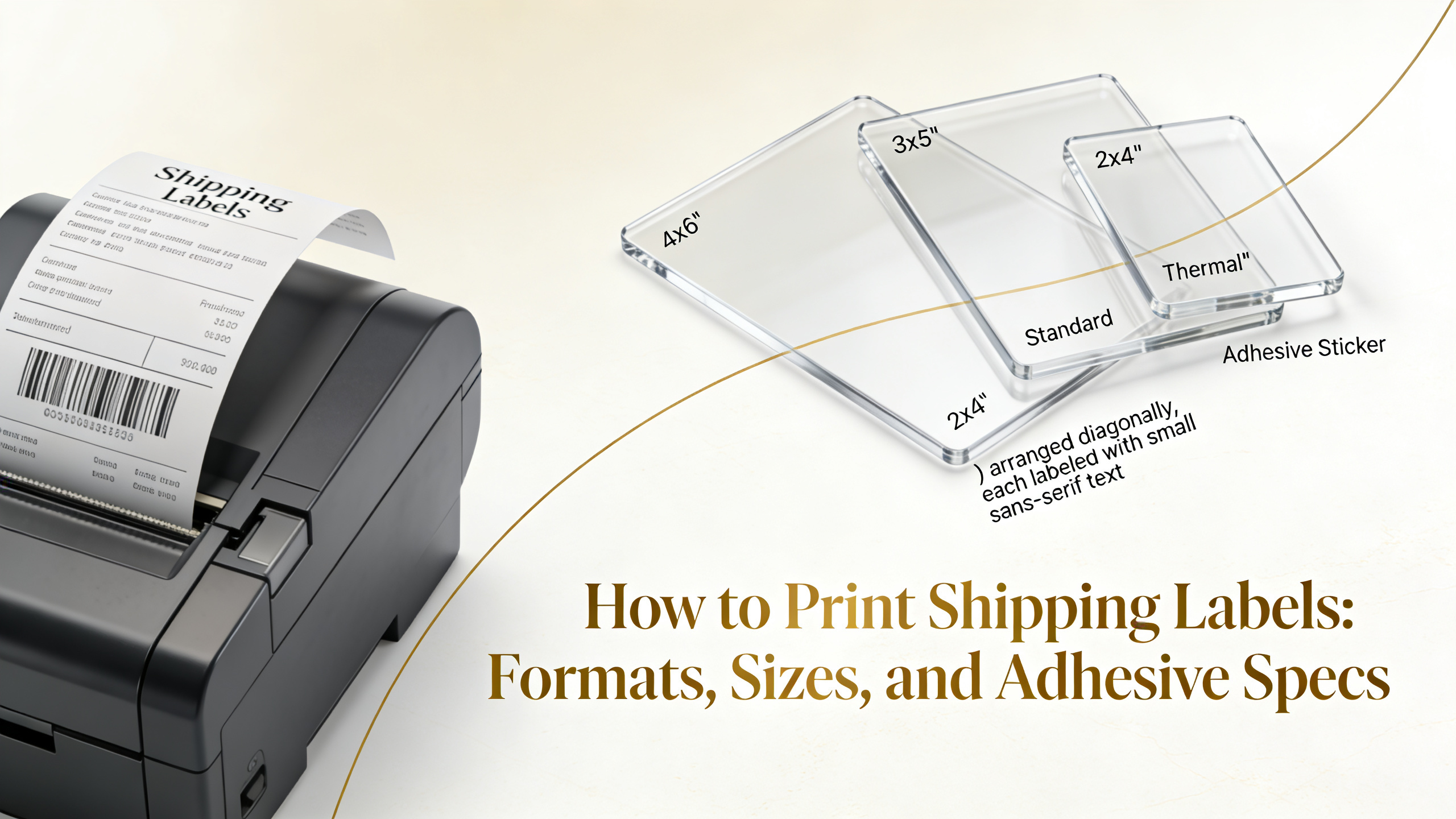
The 4x6 inch label is the industry standard for parcel shipping. It fits all major carrier templates, displays barcodes at scannable density, and matches the default output of every thermal printer on the market.
4x4 labels work for smaller parcels, polybag mailers, and fulfillment centers that require compact formats. A6 (105x148mm) is the European equivalent and remains common for cross-border DHL and Royal Mail shipments.
Custom sizes are valid when carrier specs allow flexible dimensions. Common variants include:
Before ordering stock, confirm the printer's max print width and the carrier's minimum barcode size. Undersized labels cause scan rejection at sortation hubs.
Thermal printers use heat-activated media without ribbons or ink. They dominate shipping operations because of speed, low cost per label, and zero consumable failure risk during high-volume runs.
Laser printers produce sharp barcodes on sheet labels (typically 2-up 4x6 on 8.5x11 sheets). They suit low-volume operations under 50 shipments per day but waste material when only one label is printed per sheet.
Inkjet remains the weakest option for shipping. Smudging, fade exposure, and water damage cause barcode scan failures. Use inkjet only for color-coded internal labels, not carrier-facing parcels.
Direct thermal output produces high-contrast black-on-white barcodes that scan reliably under conveyor speeds exceeding 600 feet per minute. Carriers calibrate their scanners to this exact density profile.
Thermal labels also resist the abrasion of automated sortation belts better than laser toner, which can flake off corrugated surfaces. For e-commerce sellers asking how to print a shipping label efficiently, direct thermal is the operational standard.
Permanent acrylic adhesive is the default for corrugated cardboard. It bonds within seconds and survives temperature swings from -20°F to 150°F across the typical carrier network.
Polybags and poly mailers need a more aggressive adhesive due to the low surface energy of polyethylene. Specify high-tack permanent adhesive or rubber-based formulations rated for LSE plastics.
Pallet labels exposed to outdoor staging require UV-stable adhesive with freezer-grade performance. For cold chain shipments, use freezer-grade thermal labels rated for direct application below 0°F.
Match adhesive to substrate before bulk ordering:
Each carrier publishes label specifications that dictate barcode symbology, quiet zones, and human-readable text placement. Deviating from these specs triggers manual handling fees or outright refusal.
UPS requires MaxiCode plus Code 128 barcodes on 4x6 or 4x8 labels. The MaxiCode block must remain unobstructed and printed at minimum 1 inch square.
FedEx uses Code 128 with specific quiet zone requirements of 0.25 inches on all sides. The label must include the FedEx Ground or Express service banner at top.
USPS accepts IMpb (Intelligent Mail Package Barcode) on labels ranging from 4x6 down to 3x4 for small parcels. Postage validation requires correct routing barcode placement at the bottom.
DHL requires the routing barcode and piece ID barcode separated by clear horizontal divisions. International shipments demand additional CN22 or CN23 customs declarations attached or printed inline.
Shopify generates shipping labels through Shopify Shipping or third-party apps. Select 4x6 PDF output, then send directly to a thermal printer via browser print dialog with margins set to zero.
Amazon Seller Central produces FBA and merchant-fulfilled labels in both PDF and ZPL formats. ZPL output prints natively on Zebra and compatible thermal printers without scaling artifacts.
Etsy sellers asking how do you print a shipping label can purchase postage directly through Etsy Shipping Labels. The system supports 4x6 thermal and 8.5x11 sheet output with USPS, FedEx, and Canada Post.
ShipStation consolidates all carriers into a single print workflow. Configure printer presets per carrier, then batch print up to 500 labels in one job. For high-volume operations, this is how to get a shipping label workflow scaled efficiently.
For sellers managing bulk address lists, here is how to print mailing labels from Excel:
Pre-printed branded labels combine carrier-compliant variable data with fixed brand elements. The barcode and address fields print thermally on demand, while the logo, brand color, and marketing text are pre-flexo-printed on the roll.
Two-color thermal labels are common for brands that want a colored header bar or logo without sacrificing scan reliability. Keep the barcode zone strictly black on white — no exceptions.
When sourcing branded label stock, specify:
Branded labels lift unboxing perception without slowing throughput. They also signal legitimacy at carrier intake, reducing the chance of fraud-flag delays on high-value parcels.
Most carrier rejections trace back to barcode scan failure. Faded thermal output, smudged toner, or compressed barcode width all trigger manual reroute fees ranging from $5 to $25 per parcel.
Print density is the most common culprit. Run a test scan with a handheld 1D/2D scanner before shipping batches. If a label fails twice, recalibrate the printer's darkness setting or replace the printhead.
Other frequent failures include:
Knowing how to create shipping label files correctly at the source eliminates 90% of these issues. Always export at 100% scale, 203 or 300 DPI, and verify barcode integrity before bulk printing.
Can I print a shipping label on regular paper?
Yes, but only for laser or inkjet output on sheet labels or taped securely to the parcel. Thermal printers require thermal-coated stock only.
What DPI is required for carrier barcodes?
203 DPI is the minimum acceptable resolution. 300 DPI is preferred for small-format labels under 4x4 inches or for dense 2D barcodes like MaxiCode.
Do thermal labels fade over time?
Yes. Direct thermal labels fade after 6 to 12 months depending on heat and light exposure. For long-storage shipments, use thermal transfer with a resin ribbon instead.
Can I reuse a shipping label?
No. Each label contains a unique tracking number tied to a single shipment. Reusing labels causes carrier system conflicts and the parcel will be flagged or returned.
How do I print a shipping label without a thermal printer?
Use a standard laser printer with 8.5x11 sheet labels (such as Avery 5126) or print on plain paper and affix with clear shipping tape over the entire label surface, avoiding the barcode if using glossy tape.
What size label fits most carriers?
4x6 inches is universally accepted by UPS, FedEx, USPS, DHL, and regional carriers. It is the safest default for any operation scaling beyond 20 shipments per day.