
Contact Sales Now
Thank you! Your submission has been received!
Oops! Something went wrong while submitting the form.

Contact Sales Now
Thank you! Your submission has been received!
Oops! Something went wrong while submitting the form.
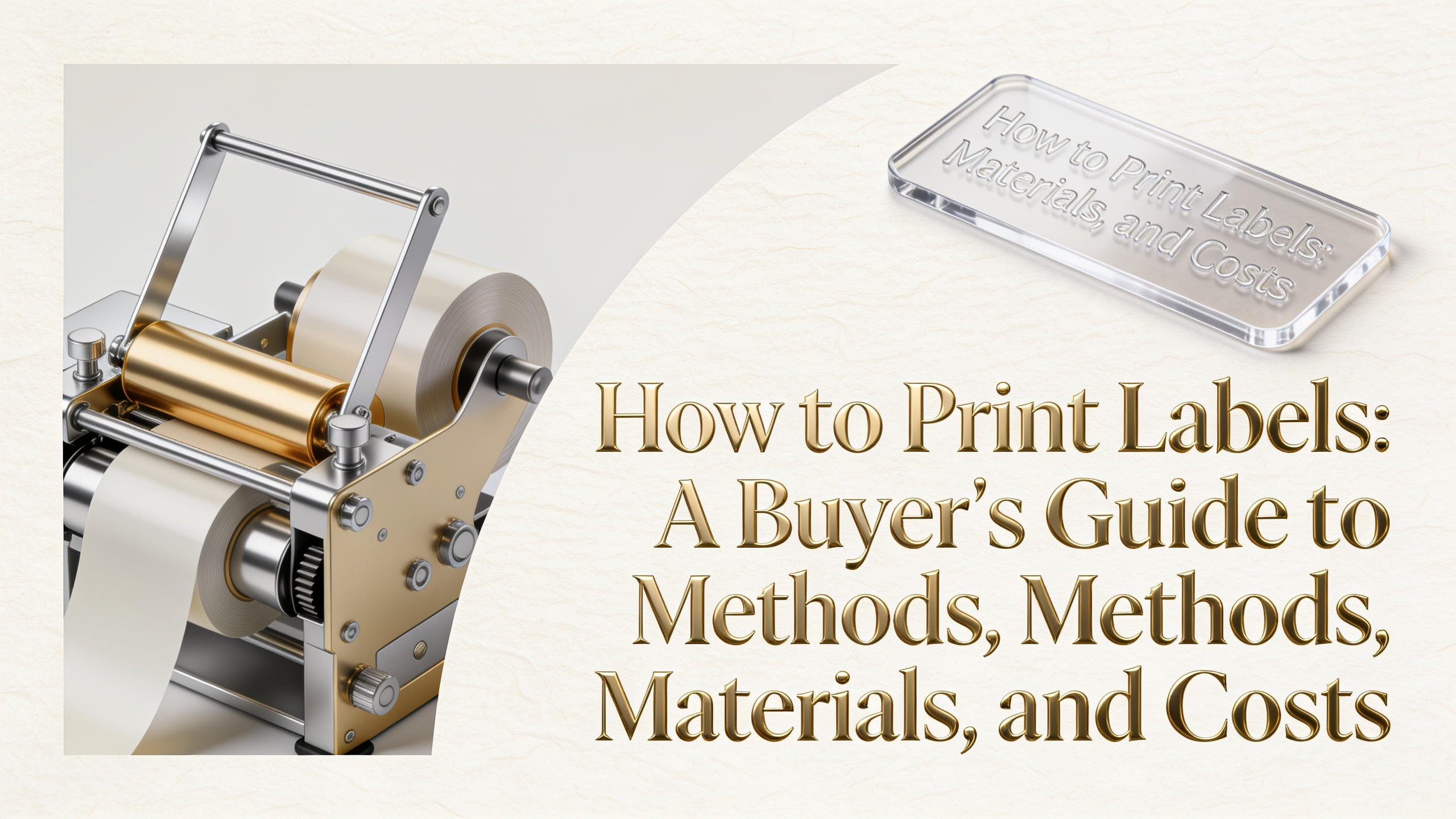
Before choosing a press or printer, decide where the work happens. The route you pick controls unit cost, turnaround, and finish quality. Most buyers fall into one of three lanes based on volume, frequency, and brand requirements.
Print at home or office. Best for shipping labels, small batches, and prototypes. A desktop inkjet, laser, or thermal printer handles short runs without setup fees. Expect higher per-unit costs and limited material options.
In-house industrial. Brands running thousands of SKUs weekly invest in roll-fed digital presses or thermal-transfer systems. Capital cost is high, but you control color, lead time, and confidentiality.
Outsource to a converter. The default for custom product labels, beverages, cosmetics, and regulated goods. Converters offer flexo, digital, or hybrid presses, plus finishing like foil, emboss, and die-cutting that desktop gear cannot match.
Each press technology has a sweet spot. Matching method to job protects margin and visual quality.
Cost curves shift sharply with quantity between printing methods. Use these benchmarks when comparing quotes.
Variable data, serialization, and frequent artwork changes push the breakeven higher for digital, often past 50,000 units.
When selecting your material, remember that facestock determines durability, printability, and shelf appeal. Pick by where the label lives, not by price alone.
Paper — Uncoated, semi-gloss, or matte. Low cost, recyclable, ideal for dry-goods boxes, candles, and shipping. Avoid wet or oily contact.
BOPP (biaxially oriented polypropylene) — Waterproof, tear-resistant, and chemical-tolerant. The default for bath, beauty, and beverage labels. Available in white, clear, and metallic.
PET (polyester) — Heat- and solvent-resistant. Used for industrial asset tags, electronics, and UL-rated warnings.
Vinyl — Conformable and weatherproof. Strong for outdoor signage, bumper stickers, and curved equipment surfaces.
Adhesive failure ruins more label projects than print defects. Be sure to reference a label adhesive guide to match the glue to the substrate, temperature, and lifecycle requirements.
Premium label finishing separates a private-label look from a high-end brand line. Each adds cost per thousand but can justify higher shelf pricing.
Lamination — Gloss, matte, or soft-touch film over the printed face. Protects against moisture, abrasion, and UV fade.
Varnish — Liquid coating applied inline. Cheaper than lamination, with spot-varnish options for selective shine.
Foil stamping — Hot or cold foil in gold, silver, copper, or holographic. Signals premium positioning on wine, spirits, and cosmetics.
Embossing and debossing — Raised or recessed texture for tactile branding. Pairs well with uncoated paper and foil accents.
A clear brief cuts quote time and prevents reprints. Using thorough label spec sheets ensures you send the converter a single document with these fields filled in.
When learning how to print custom labels through a converter, this spec sheet replaces a dozen back-and-forth emails and locks pricing accurately.
Shipping labels follow a different workflow than product labels. Carrier software generates a 4×6 inch PDF or ZPL file you send straight to a printer.
For Amazon FBA, eBay, Shopify, and Etsy sellers, a thermal printer pays back within 200 to 400 shipments compared to ink cartridges.
How do I print labels at home for product packaging?
Buy pre-cut label sheets sized to your container, design in Canva or Illustrator, and run them through a color laser printer. Laminate or apply a clear sticker varnish if the product contacts moisture.
Is digital printing cheaper than flexo for 5,000 labels?
Yes. Below roughly 10,000 units, digital wins because there are no plate or setup fees. Above that, flexo's per-unit cost drops sharply.
Can I print waterproof labels on a home printer?
Yes, if you use waterproof synthetic label sheets rated for your printer type (laser or inkjet) and apply a laminating film or sealant spray afterward.
What resolution do label printers require for artwork?
300 dpi at final print size minimum. Vector files are preferred for logos and text. Embed or outline all fonts before sending.
How do I print labels for shipping in bulk?
Use a thermal label printer connected to your ecommerce platform. Batch-print orders from ShipStation, Shippo, or carrier dashboards. Output runs at 60 to 150 labels per minute.
Do I need a Pantone match for digital printing?
Not always. Modern digital presses simulate over 90 percent of the Pantone book in CMYK plus extended gamut inks. Request a press proof for critical brand colors.
What is the minimum order quantity for custom labels?
Most converters start at 250 to 500 labels per SKU on digital presses. Flexo minimums begin around 5,000 due to plate costs.
How long does a custom label order take?
Standard turnaround is 5 to 10 business days after proof approval. Rush service of 2 to 3 days is available at a 20 to 40 percent premium.
Knowing how to print labels comes down to matching volume, material, and finish to the right production route. Whether you run 50 shipping labels a week or 500,000 bottle wraps a year, the framework above lets you brief any printer with confidence and forecast cost before the first proof lands.