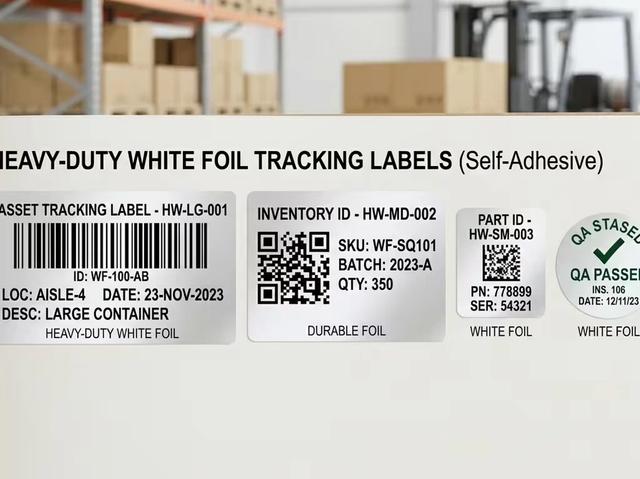
 Heavy-Duty White Foil Tracking LabelsView solution
Label Type
Barcode, QR & Variable Data Labels
Barcode labels and QR code stickers, digitally printed so every label can carry its own code, serial number or batch data. One print run, every label different.
- Serialization & track-and-trace
- QR code stickers & barcode labels
- Batch & expiry coding
Technical Specifications
- Web Width
- Up to 370 mm
- Minimum Run
- Zero-MOQ digital
- Max Colors
- CMYK + variable data
- Finishing
- Serialisation, barcodes, QR
01
Why Variable Data Labels
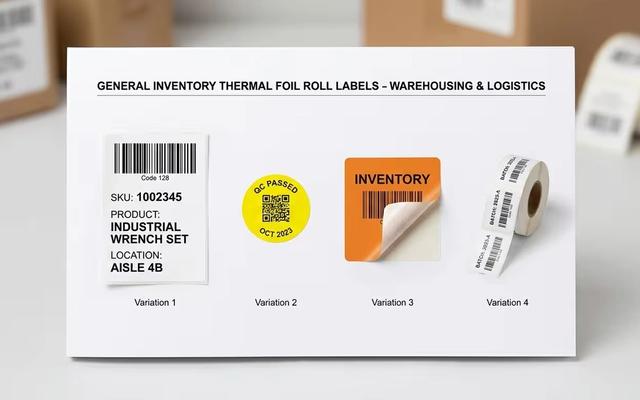
Unique on Every Unit
Print a different serial number, barcode, QR or GS1 code on every single label in the run.
Track, Trace & Authenticate
Enable supply-chain visibility, recalls and anti-counterfeit authentication.
Zero-Plate Digital
Our digital press prints variable data with no plates and no minimum order quantity.
02
Common Applications
Purpose-built across the categories we serve most:
- Serialisation & track-and-trace
- Barcodes & GS1
- QR & smart packaging
- Batch & expiry coding
- Unique promo & reward codes
- Asset & inventory tags
03
Data & Coding Options
Codes & Symbologies
1D barcodes, 2D QR/DataMatrix, GS1 and human-readable sequential numbers.
Data Handling
Secure database-driven printing from your CSV, ERP or serialisation feed.
Substrates
Paper, film and thermal stocks with the durability each application needs.
FAQ
Barcode & QR Labels: Common Questions
What are QR code stickers used for on packaging?
A QR code sticker links a physical product to something online: a product page, a manual, ingredients, a promotion or a verification check. The same code can go on every pack, or each sticker can carry its own unique code so you can track individual units. Our guide to QR codes on packaging covers size, placement and code type, and you can test a code first with our free QR code generator.
Can every barcode label in a run be different?
Yes. Variable data printing merges your CSV, ERP or serialisation file with the artwork at print time, so each label carries its own serial number, barcode, QR code or batch data. It runs on our digital press with no plates. See our serialized barcode and Data Matrix labels for an example.
Which barcode format do I need?
It depends on where the code is scanned. EAN-13 and UPC are for retail checkouts, GS1-128 is for cartons and pallets in the supply chain, Data Matrix fits small packs such as pharmaceuticals, and QR codes are for shoppers scanning with a phone. Our guide on how to create a barcode for a product explains each one, and our GS1-128 barcode generator builds logistics codes for free.
Why do some barcode labels fail to scan?
The usual causes are a code printed too small, too little contrast between bars and background, a quiet zone cut off at the label edge, or a glossy finish that reflects the scanner light. Our article on barcode and QR code verification explains how codes are graded and how to avoid each problem.
Do you print thermal barcode labels?
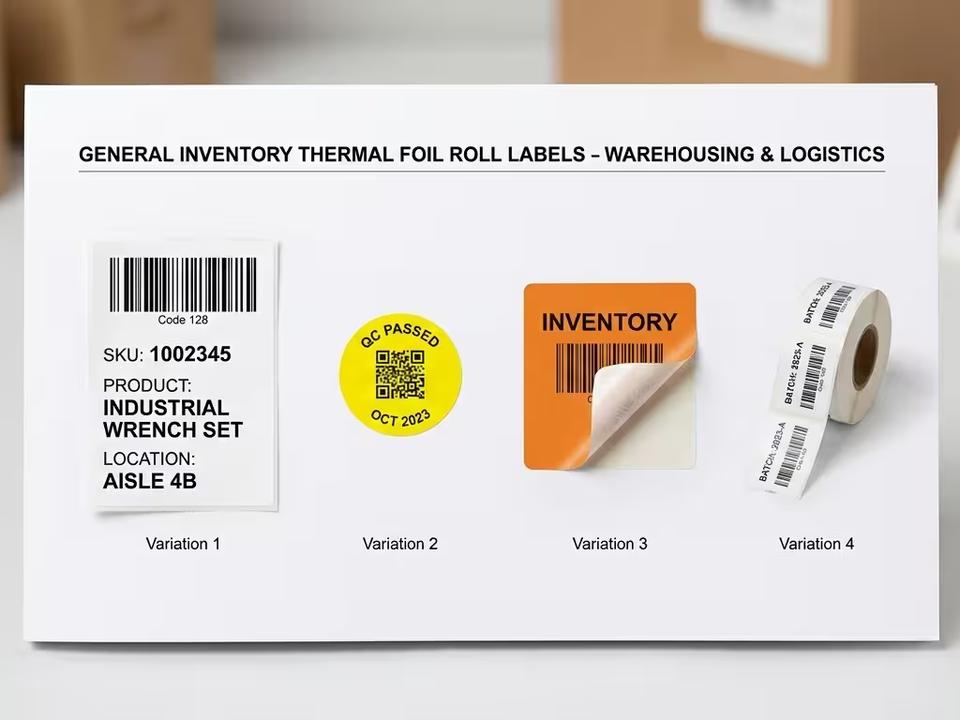
Yes, in both direct thermal and thermal transfer stocks, for warehouse racks, pallets, shipping and baggage. See our thermal and barcode labels for warehousing and logistics.
Solutions Using This Type
- Heavy-Duty White Foil Tracking LabelsView solution
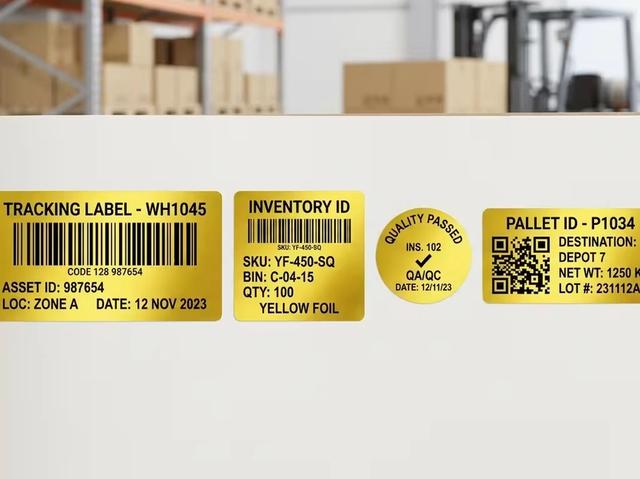 High-Visibility Yellow Foil Tracking LabelsView solution
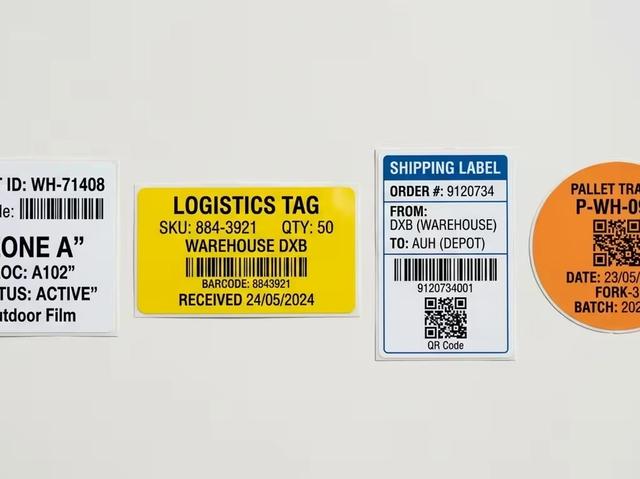 Outdoor Weatherproof Film Tracking LabelsView solution
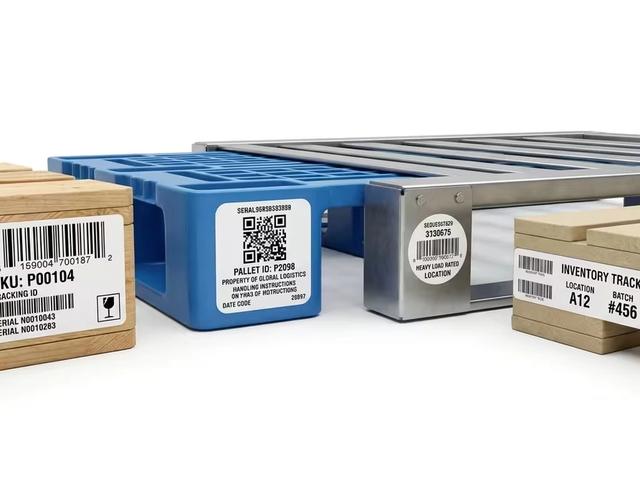 Polyethylene Barcode Tracking Labels for PalletsView solution
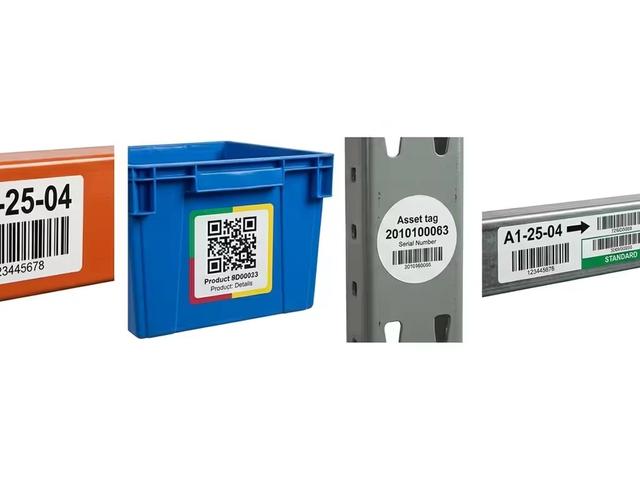 Polyethylene Warehouse Shelf Tracking LabelsView solution
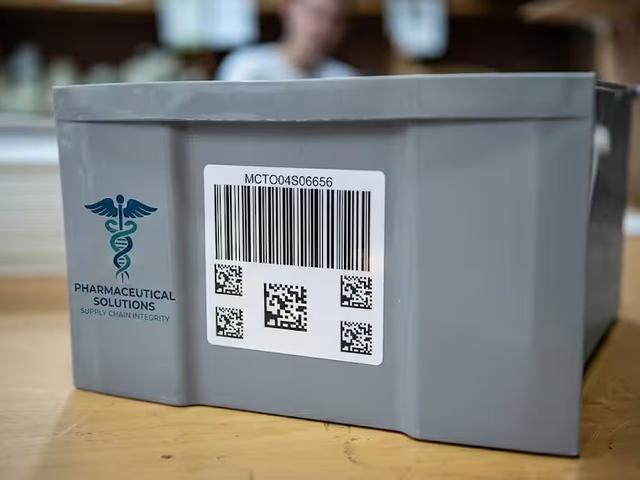 Serialized Barcode & Data Matrix LabelsView solution
Ready to start your label project?
Explore Further
Capability
Premium Label Printing Inks
High-performance UV, offset, water-based & solvent flexographic inks. FDA compliant, eco-friendly formulations. Custom color matching for all industries.
Read moreCapability
Label Materials
Explore paper, synthetic, and specialty label materials. Find the perfect material for your product labels with our comprehensive materials guide.
Read moreCapability
Label Adhesives & Glues
Professional label adhesives for every surface and environment. Permanent, removable, freezer-grade, tamper-evident, and eco-friendly solutions.
Read moreIndustry
Pharmaceuticals
Regulatory-compliant pharmaceutical labels with serialization, tamper-evident features, and multi-layer solutions. FDA, MOHAP, DHA, SFDA certified.
Read moreIndustry
Chemicals & Industrial
Durable chemical-resistant labels engineered for harsh industrial environments. GHS compliant, withstands solvents, acids, UV exposure. Request quote today.
Read moreIndustry
Food & Beverage
Food labels and food stickers built for chilled, frozen and hot-fill lines, with food-safe inks, moisture-resistant materials and room for allergens, batch codes and expiry dates.
Read more